In the statistics (Reports / Offer promotion), the following filters may be used:
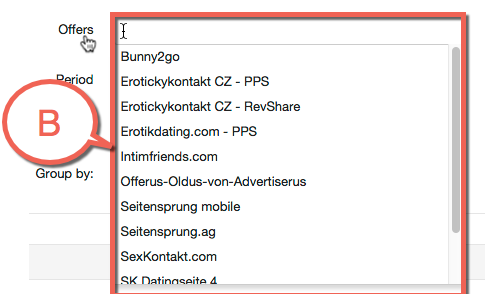
Offers – here you can select whether the filter should be applied to one, more than one or to every Offer. If all Offers should be filtered, leave this box empty.
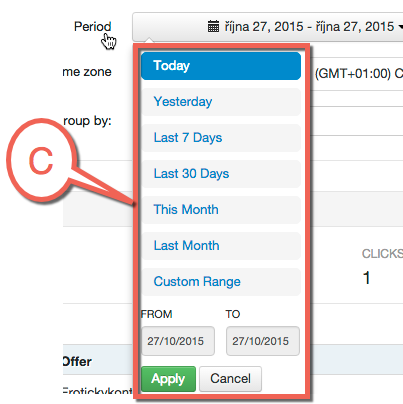
Period – here you can select the time period for filtering. The following periods are pre-selected: Today, Yesterday, Last 7 Days, This Month, Last Month – or you can specify the period manually as required.
Time zone – the working time zone may be selected here.
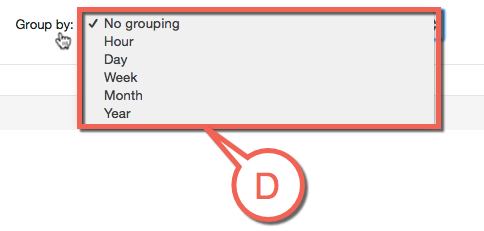
Group by – here you can select the way the results should be grouped. The values range from Hours to Year.
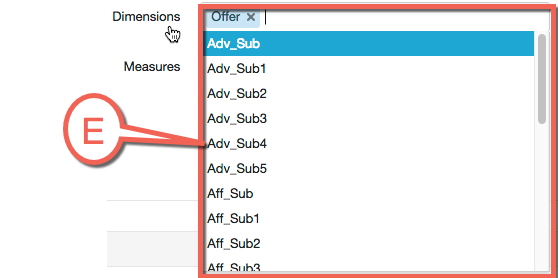
Dimension – here you can select the values you are interested in. The list of values includes the following items: Adv_Sub(0-5), Aff_Sub(0-5), ConnectionType, ConversionType, Country, CretaiveID, DeviceBrand, DeviceModel, DeviceOS, DeviceType, Event, MobileOperator, Offer, and Source.
Measures – here you can select the values you are interested in. You can select from ConversionRates, Conversions, Earnings, and Impressions.
If you use some filters more often, they can be saved using the Save filter button or loaded using the Load filter button.
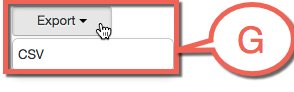
Export –the Export button can be used if you need to export the filtered results. The results are exported to a CSV file.
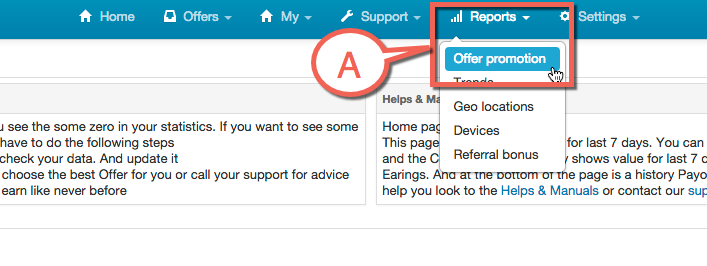
Point A you can see Reports / Offer promotion
Point B you can see a list of Offers
Point C you can choose a period
Point D you can select what is best for you
Point E you can see a Dimensions
Point F you can see a Measures
Point G you can use Export