In the offer details, you can see all important informations about the offer and you can perform operations like generating links to propagate the offer, adding the personal variables for monitoring own campaigns, selection of a suitable banner or adding the personal counter to the Event.
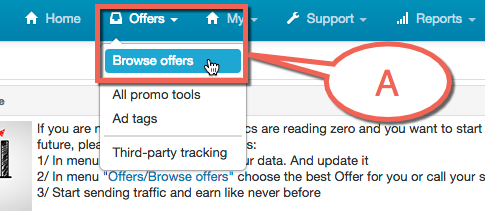
Point A you can see Offers / Browse offers
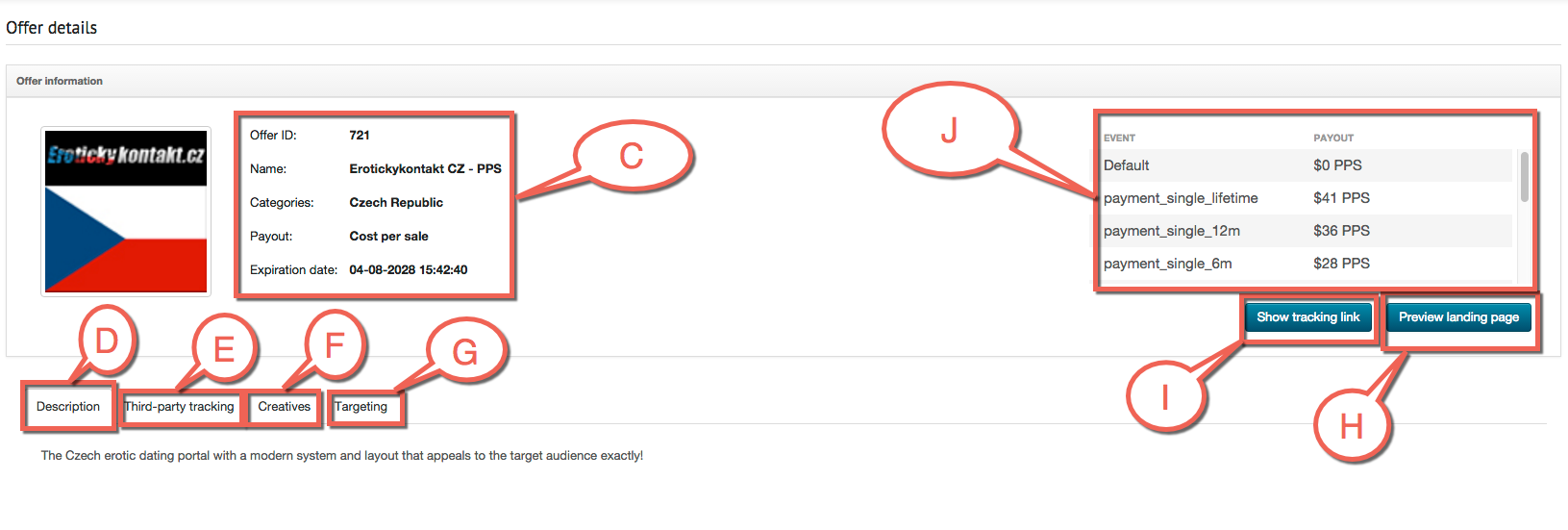
Point B you can see Details of selected offer
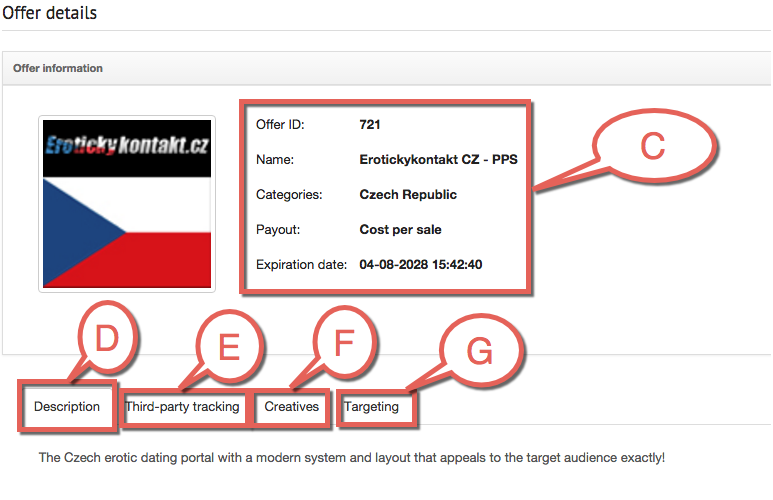
Point C you can see information of selected offer
Point D you can see Description of selected offer
Point E you can see Third-party tracking of selected offer
Point F you can see Creatives of selected offer
Point G you can see Targeting of selected offer
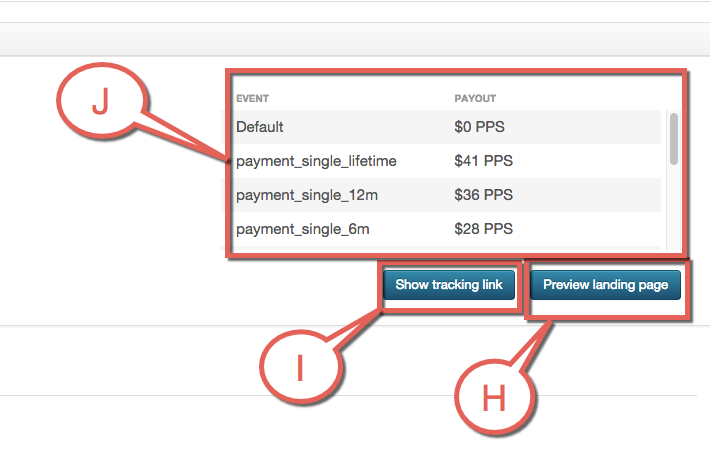
Point H you can see landing page button of selected offer
Point I you can see tracking link button of selected offer
Point J you can see events and payouts of selected offer