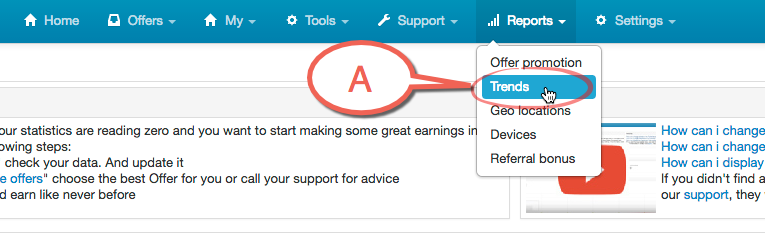
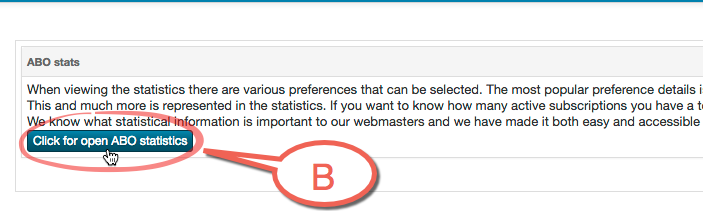
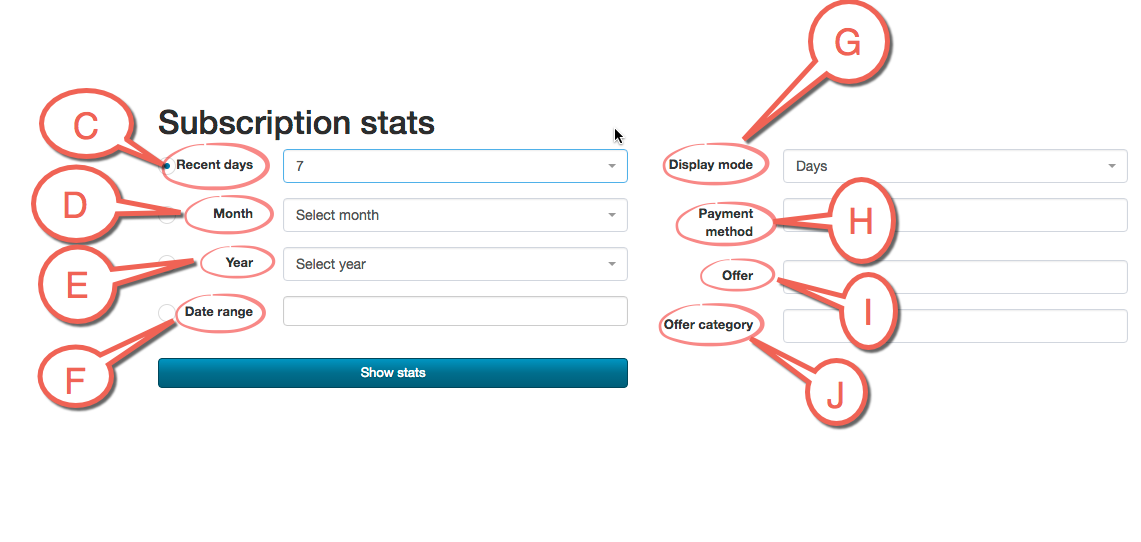
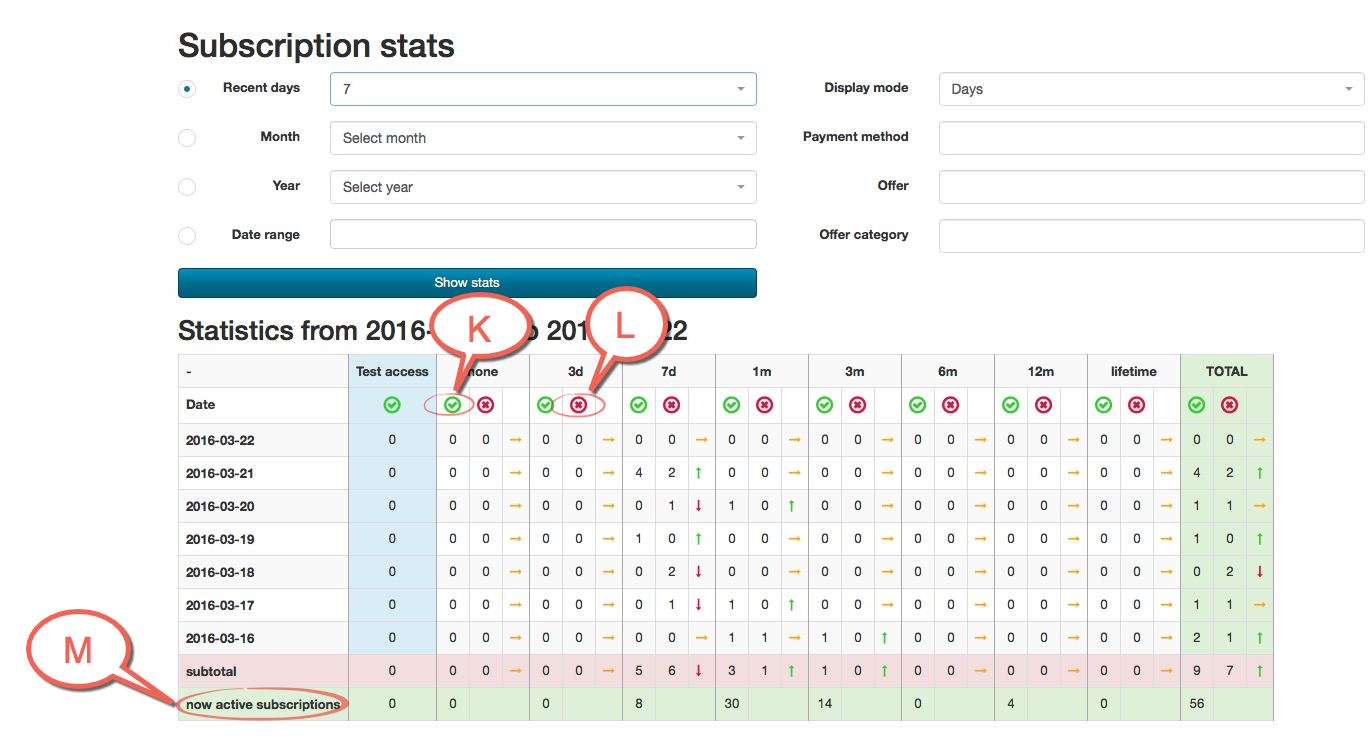
You can see ABO statistics on Reports / Trends. Here you can see Subscription stats, you can pick which days you will like to see along with payment method, Offers and Offer category. If Payment method, Offer and Offer category are empty every option is chosen. Click on Show stats and you will see days or months you pick and period (3 days, 7 days…). Here you can see how many users activate their membership (Green) and how many people cancel their membership (Red). Now active subscriptions are a number of users which have active memberships and it will be automatically prolong (Once they don't cancel it)
Point A is Reports / Trends button
Point B is ABO statistics button
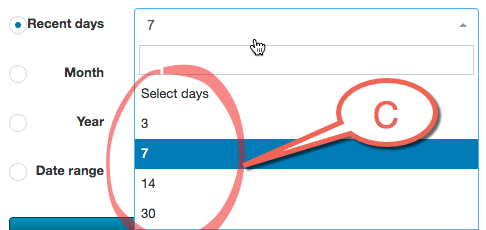
Point C you can choose Recent days.
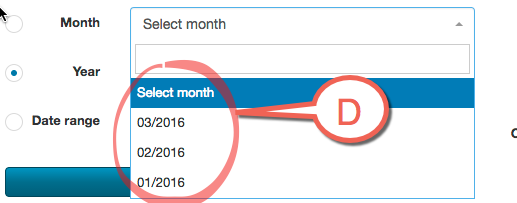
Point D you can choose Month
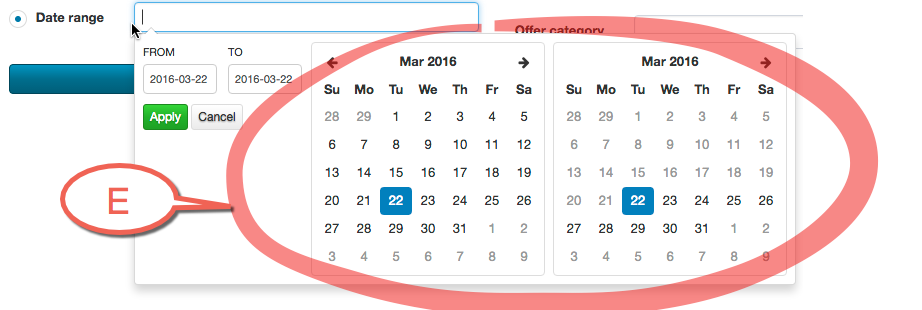
Point E you can choose Year
Point F you can choose a Date range
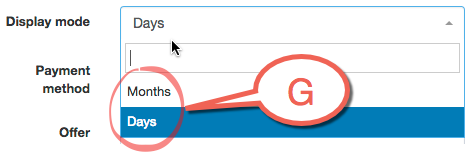
Point G you can choose a Display mode
Point H you can choose Payment method. If it is empty, every option is chosen.
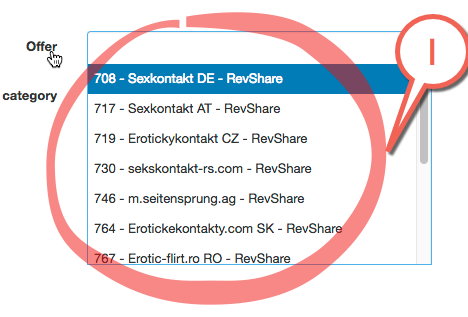
Point I you can choose Offer. If it is empty, every option is chosen.
Point J you can choose Offer category. If it is empty, every option is chosen.
Point K you can see how many new users activate memberships and once they do not cancel it will be restored.
Point L you can see how many users cancel their membership, and will not be restored.
Point M you can see number of users with active membership and will be restored if they will not cancel it.