
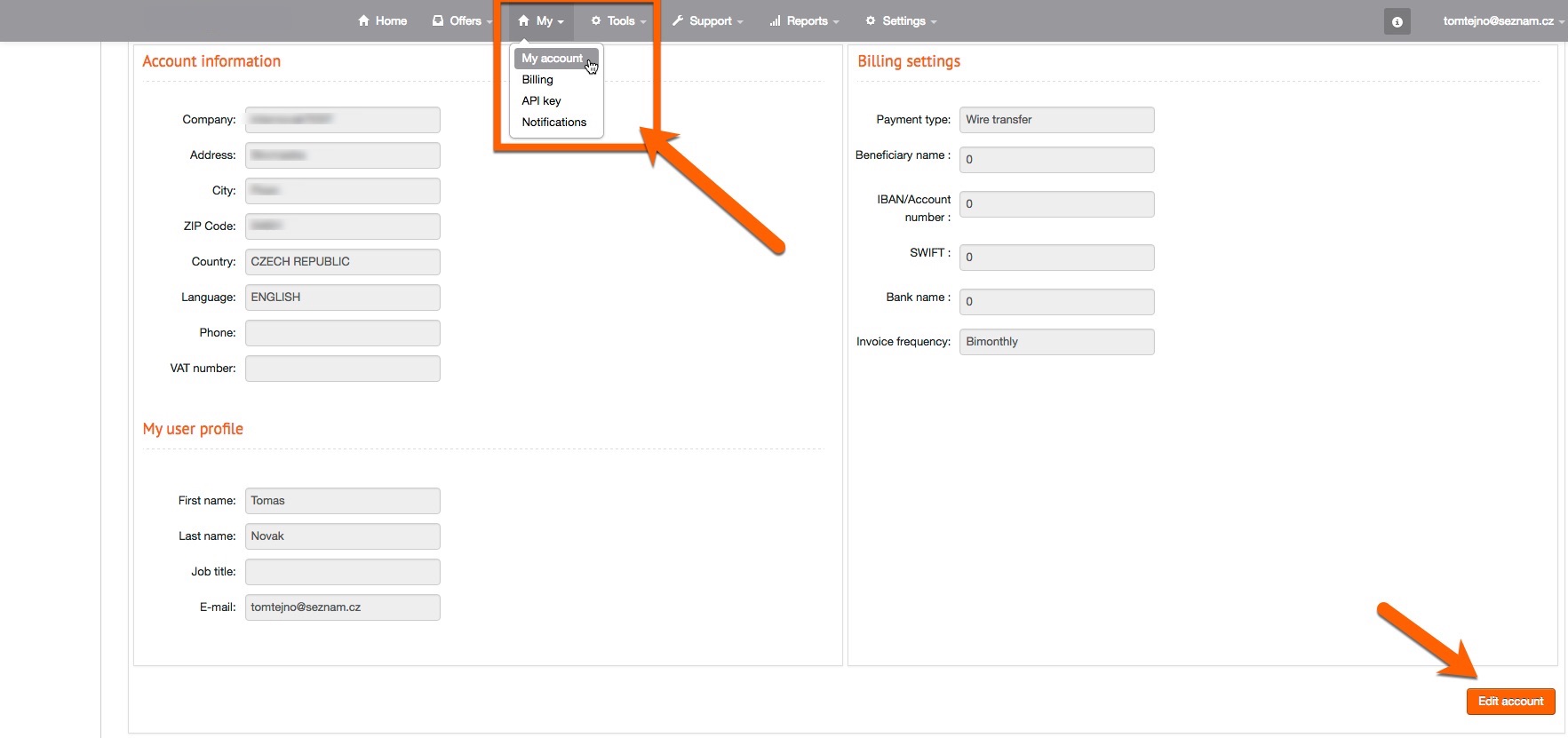
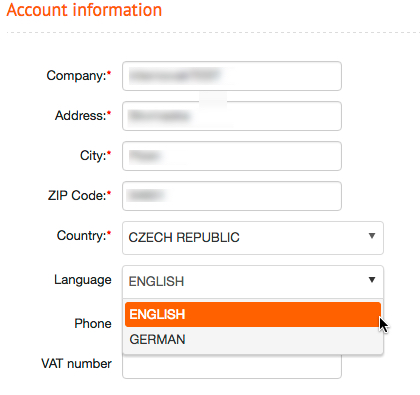
To change the language, the menu item “My Account” can be selected simply in the navigation under “My” ; where the master data for the account owner is stored, a new selection field for the language has now been added. Thus, the system can then be switched from English to German with few clicks.
In addition to the language you can now change the currency in the system for your account. In addition to US dollars, there are now Euro and Czech crowns at your disposal. If you change the setting of the currency, your statistics and your bills will be displayed in the newly selected currency and your next payout will be in the new currency. Note: The conversion of the currency must be confirmed in the system by our support team. After you have made the setting, it takes a little bit of time, until the conversion is visible.
